Blue Hour Magic
A filmic look for travel and everyday footage.
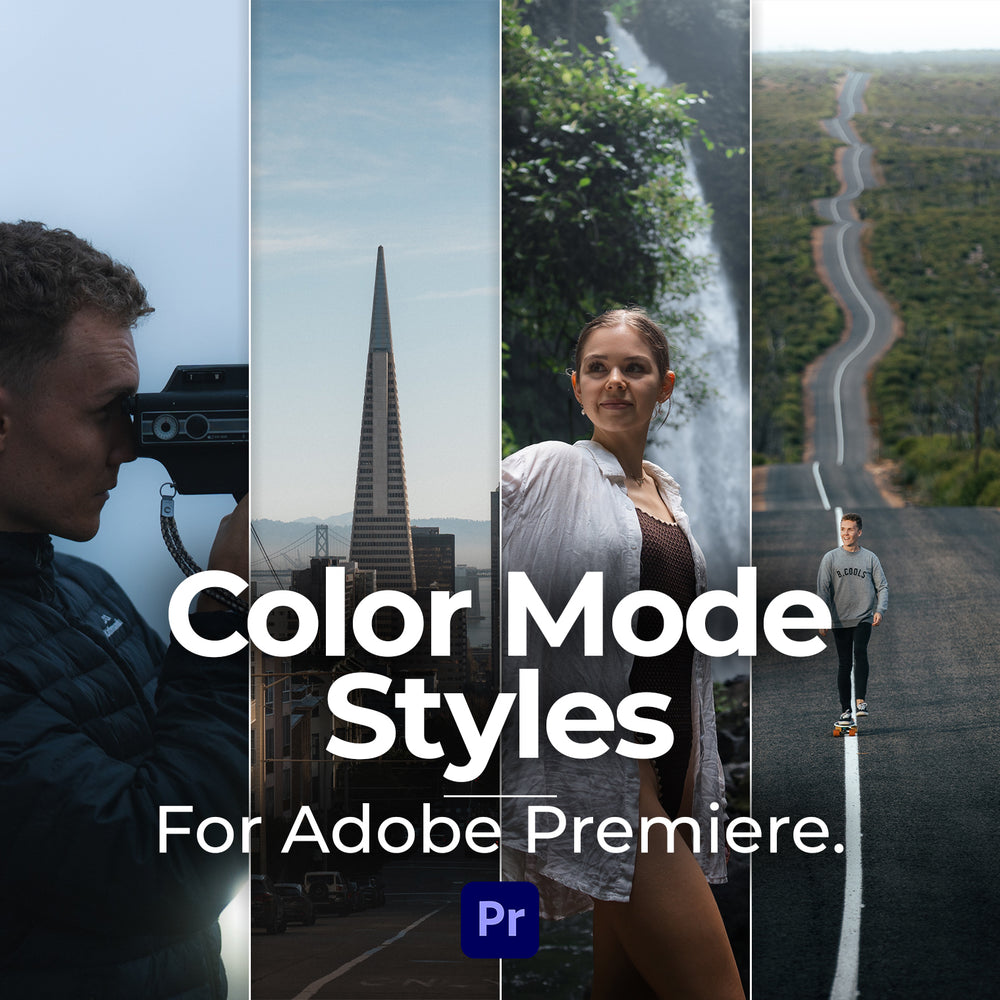
Adobe Premire Color Mode Made Easy.
You save $29.00 with the bundle.
Both packs download instantly. One checkout.
🎨 5 Color Mode Styles
🎬 Video Installation Walkthrough
🎁 Free updates for life
∞ One-time purchase, Lifetime use
↓ Instant Download
💬 Lifetime Support
Adobe Premiere Pro, inside Color Mode.
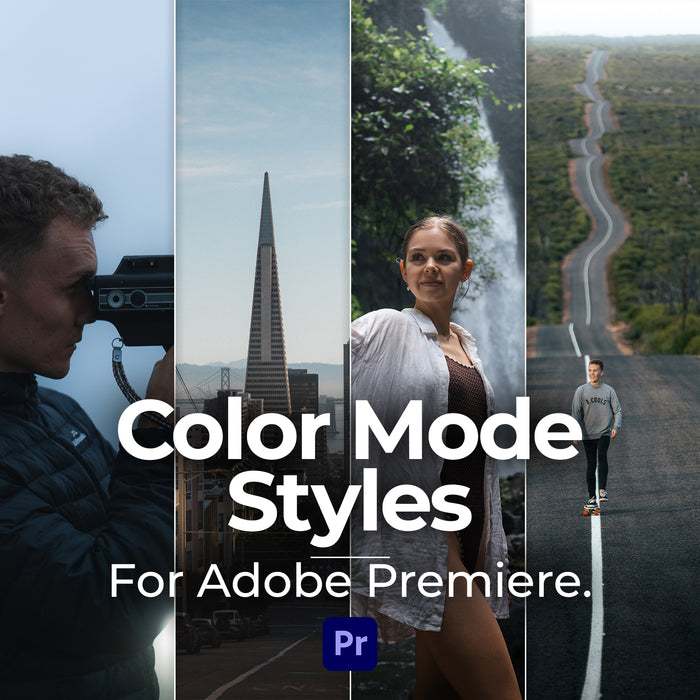
A look at the styles on real footage, inside Color Mode.
If you've opened Color Mode and had no idea where to start, you're not the only one. I was completely lost when I first saw it.
A style gives you the starting point. You put one on your clip and you're already looking at a graded shot, with every control still there to change.
Pick one in Color Mode and put it on your clip.
Use Color Mode's own controls until it fits your shot.
Styles are nondestructive and stackable, so you can add a second one and take either off again.
5 styles for Color Mode.
A filmic look for travel and everyday footage.
Deeper shadows and a cooler tone.
A look that fits every shot.
An emphasis on deep, moody greens.
Warm and glowing, made for sunrise and sunset light.
Use the Cinematic LUTs to convert and prepare your footage, use the Color Styles to color and perfect your footage.
$29.00

$29.00
You save $19.00
Both packs in one purchase, so you're covered in Premiere and everywhere else you edit.
Instant download. One checkout.
Everything you need to know about the bundle
Yes. The styles are made for Color Mode inside Premiere Pro. If you edit in DaVinci Resolve, Final Cut or anything else, the Cinematic Video LUTs are the ones for you.
Color Mode supports a huge range of cameras, including Sony, Canon, Lumix, Fuji, Nikon, Apple and DJI. You apply a style on top, so it works on log, RAW and standard footage.
Yes. Every style is fully adjustable with Color Mode's own controls, and you can stack them or take them off at any time.
No. A LUT is a fixed look. A style is built for Color Mode and stays completely adjustable after you apply it. They work really well together though, which is why there's a bundle with both.
No. It's a one-time purchase, you keep it forever and every update is free.
Yes. If you've opened Color Mode and felt lost, this is exactly who I made them for. There's a video walkthrough showing you how to install and use them.
Apply a look in Color Mode, then adjust it until it fits your shot.